Introducing the Nexlayer CLI: Let Your Coding Agent Ship
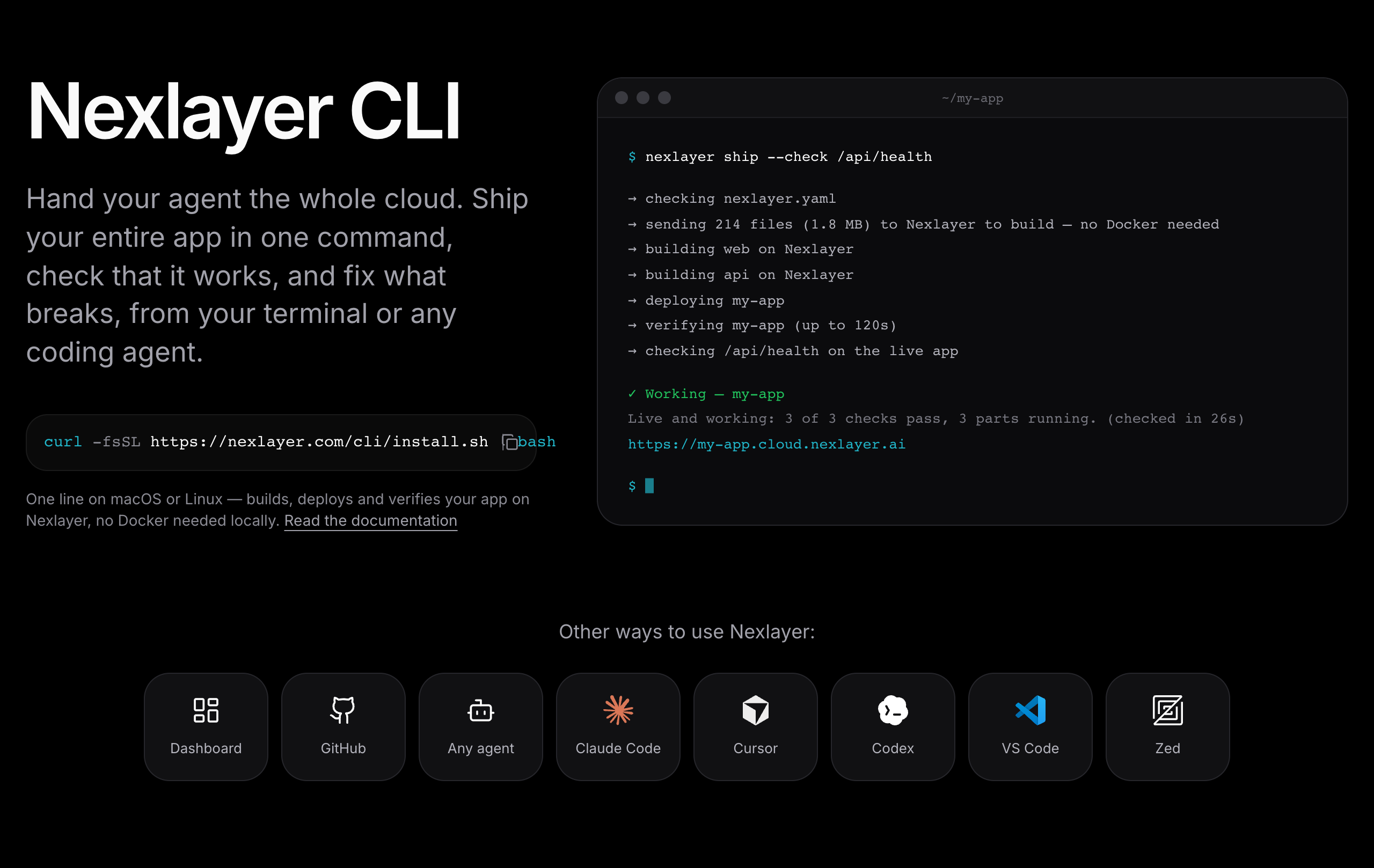
The Nexlayer CLI lets a coding agent build, deploy and verify your whole app on Nexlayer with one command: nexlayer ship. No Docker needed locally.
Coding agents have gotten good at writing applications. Running those applications somewhere other than your laptop is still mostly up to you. The agent finishes, reports that it's done, and the code sits on localhost.
Today we're releasing the Nexlayer CLI, a command-line tool that lets a coding agent build, deploy, and verify your application on Nexlayer. It works with Claude Code, Cursor, Codex, and any other agent that can run terminal commands.
How it works
From a project directory, run:
nexlayer ship
The CLI reads the project's nexlayer.yaml and uploads your code. Nexlayer builds each service in the cloud, deploys them, and then checks the live application. Because builds run on Nexlayer, you don't need Docker installed locally.
To verify a specific path once the app is live, pass --check:
nexlayer ship --check /api/health
Designed for agents
Deployment output is usually written for a person to read. We built the CLI assuming an agent is reading it.
When a deploy fails, nexlayer ship reads each service's logs and reports the cause along with one suggested fix. The agent can act on that directly instead of waiting for you to find the right log line.
With --json, each result is a single line containing a status, an exit code, and a next step. The agent parses the result and decides what to do, without you copying logs or dashboard screenshots into chat.
Staying in control
Letting an agent deploy shouldn't mean losing track of what it's deploying.
Plan mode. nexlayer ship --plan previews what will be built and deployed, based only on the files in your project. Nothing is sent or changed until you confirm.
Secrets. Secrets are stored in your machine's keychain and filled in by Nexlayer at deploy time. They don't appear in the agent's conversation or in your repository.
Getting started
The CLI is available for macOS and Linux:
curl -fsSL https://nexlayer.com/cli/install.sh | bash
Then run nexlayer ship in your project, or ask your agent to.
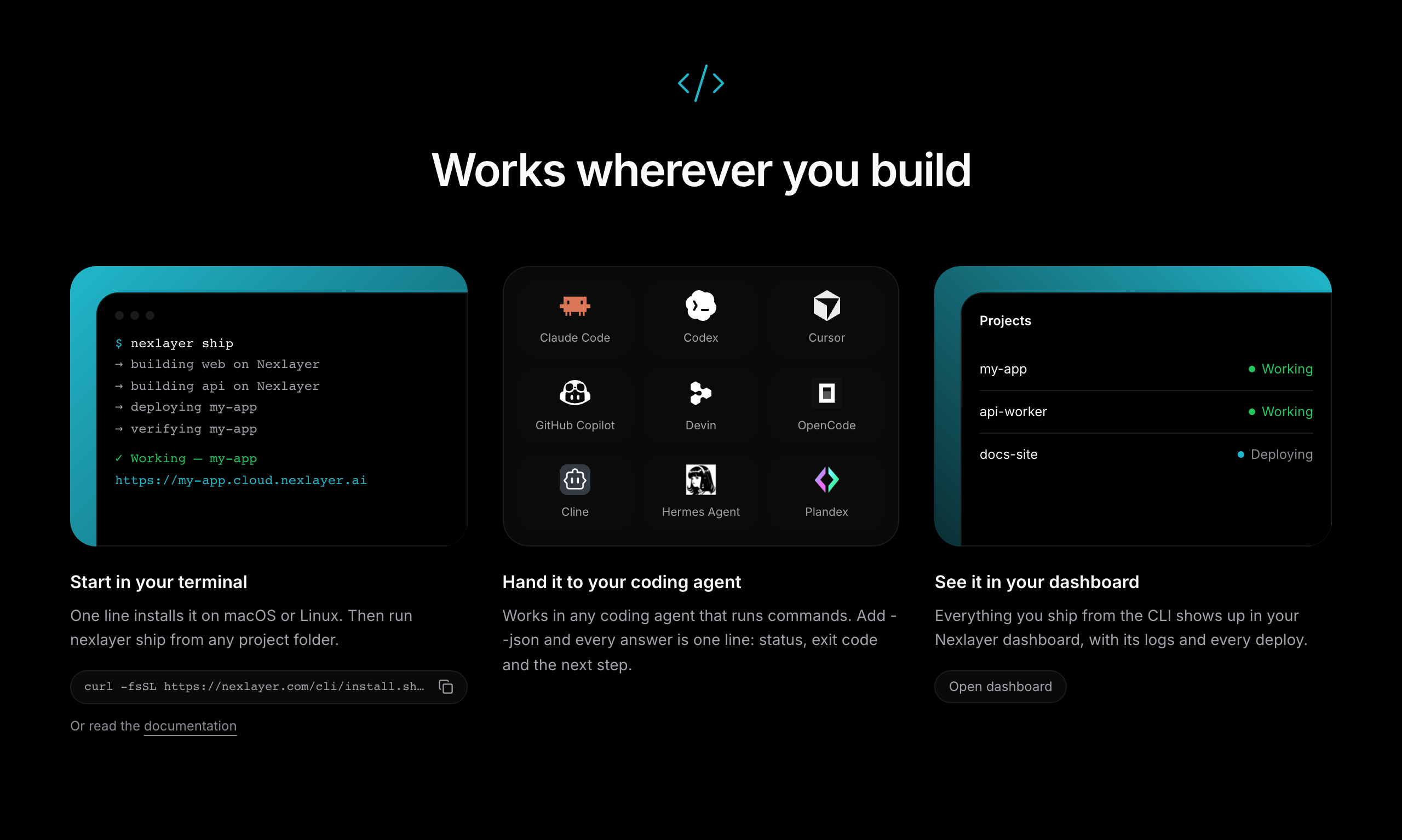
Any agent that can run commands can use the CLI, including Claude Code, Codex, Cursor, GitHub Copilot, Devin, OpenCode, Cline, Hermes Agent, and Plandex. If you prefer MCP, Nexlayer also has integrations for Claude Code, Cursor, VS Code, and Zed.
Agents can already write the app. We want them to be able to launch it too, so the result is a working product and not just more code. Learn more at nexlayer.com/cli.